Begin with your own image
Your photo already fixes the subject and layout. That leaves you free to test another backdrop or look instead of writing the whole scene out.
Add your photo, say what should change, and Fetra’s image to image AI generator makes a new version.
Reference images
Keep your original visual as the starting point and let the image to image AI generator explore fresh settings, styles and details on top of it.
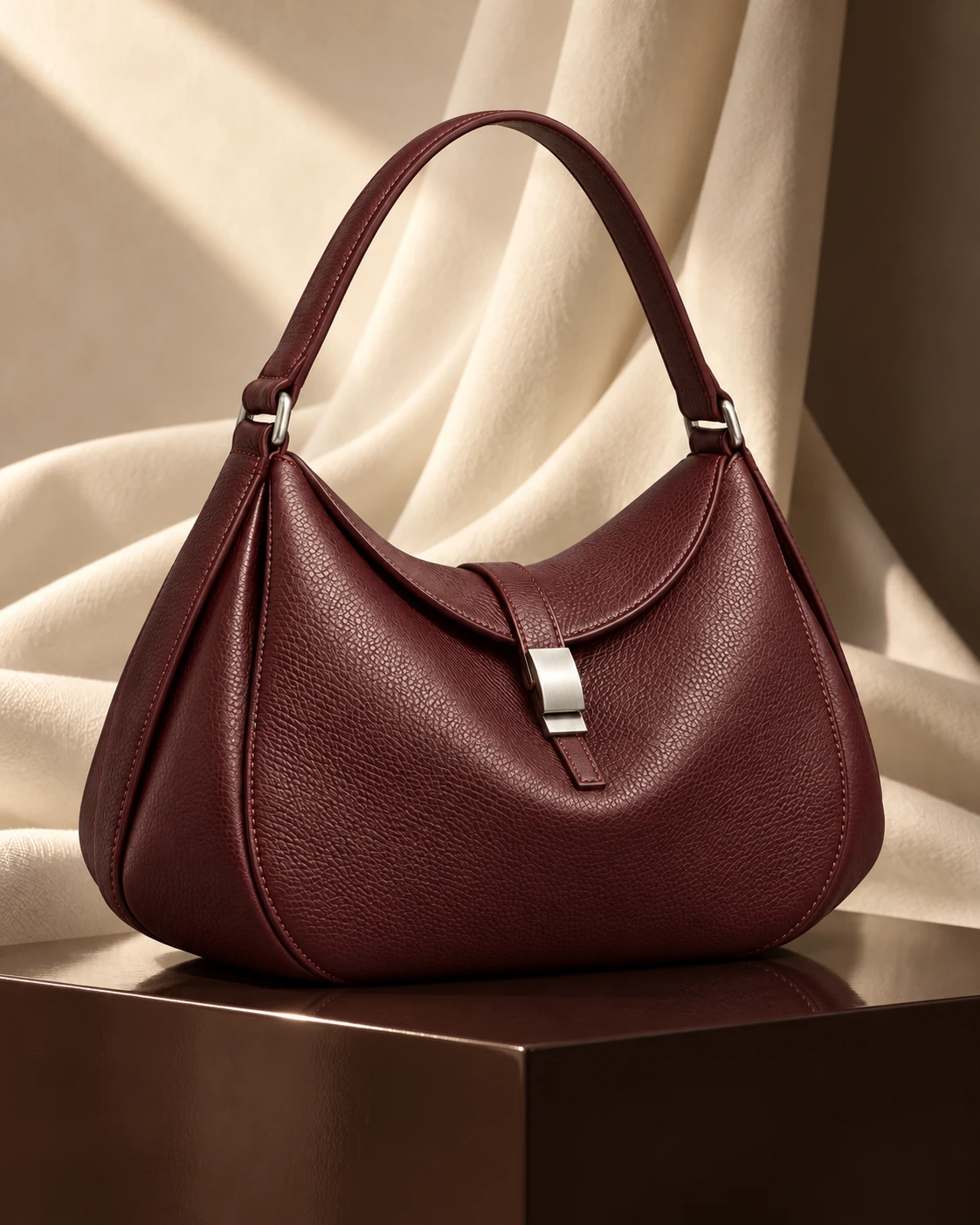
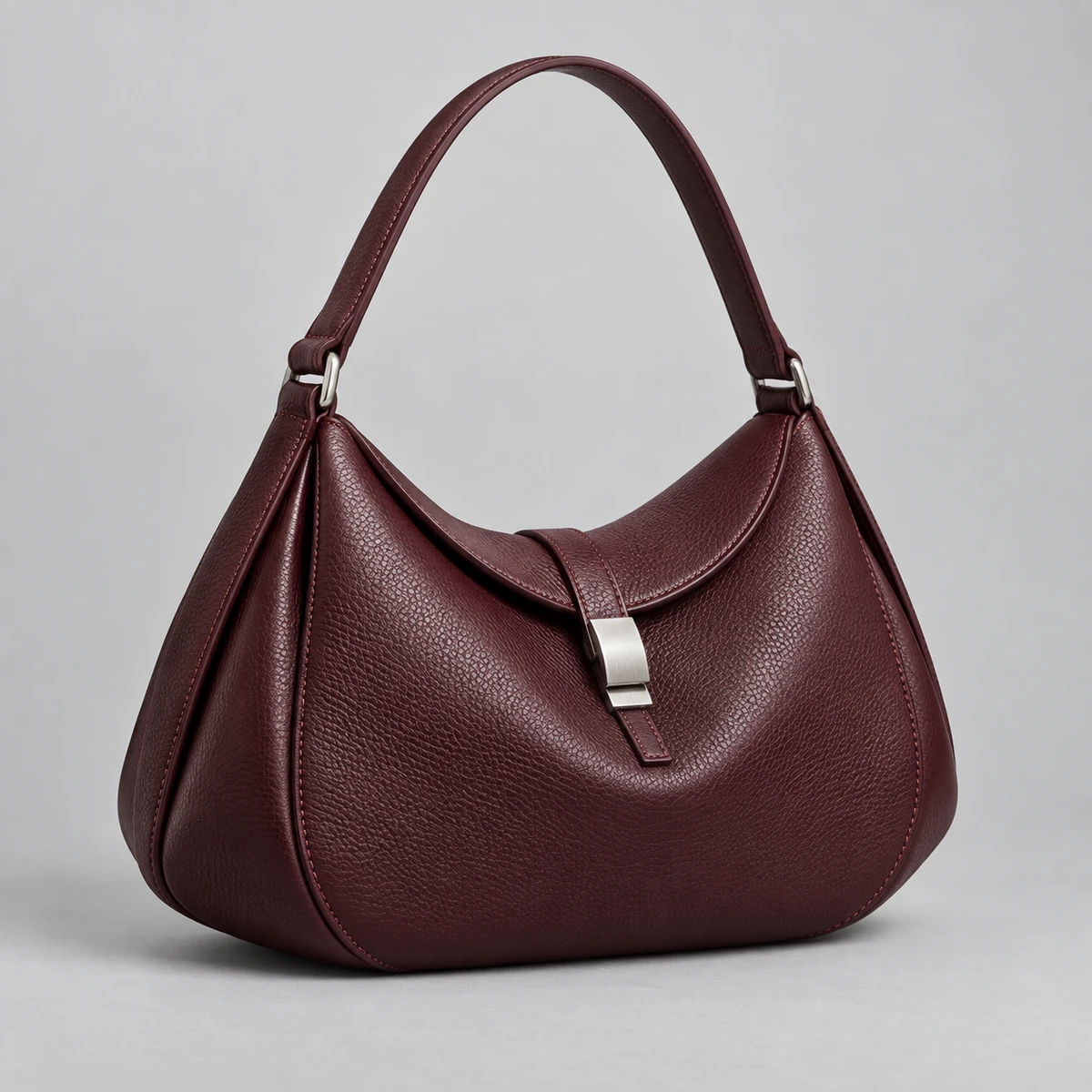
Your photo already fixes the subject and layout. That leaves you free to test another backdrop or look instead of writing the whole scene out.
Tell Fetra SI which backdrop, light or surface should be different. A clear instruction gives the edit a clear direction.
Turn on AI Enhanced when you want an idea expanded, or stay in Direct when every word must be followed. Pick whichever matches your workflow.
Switch between the image models on offer, study each output, and request a single targeted fix at a time until the version is right.
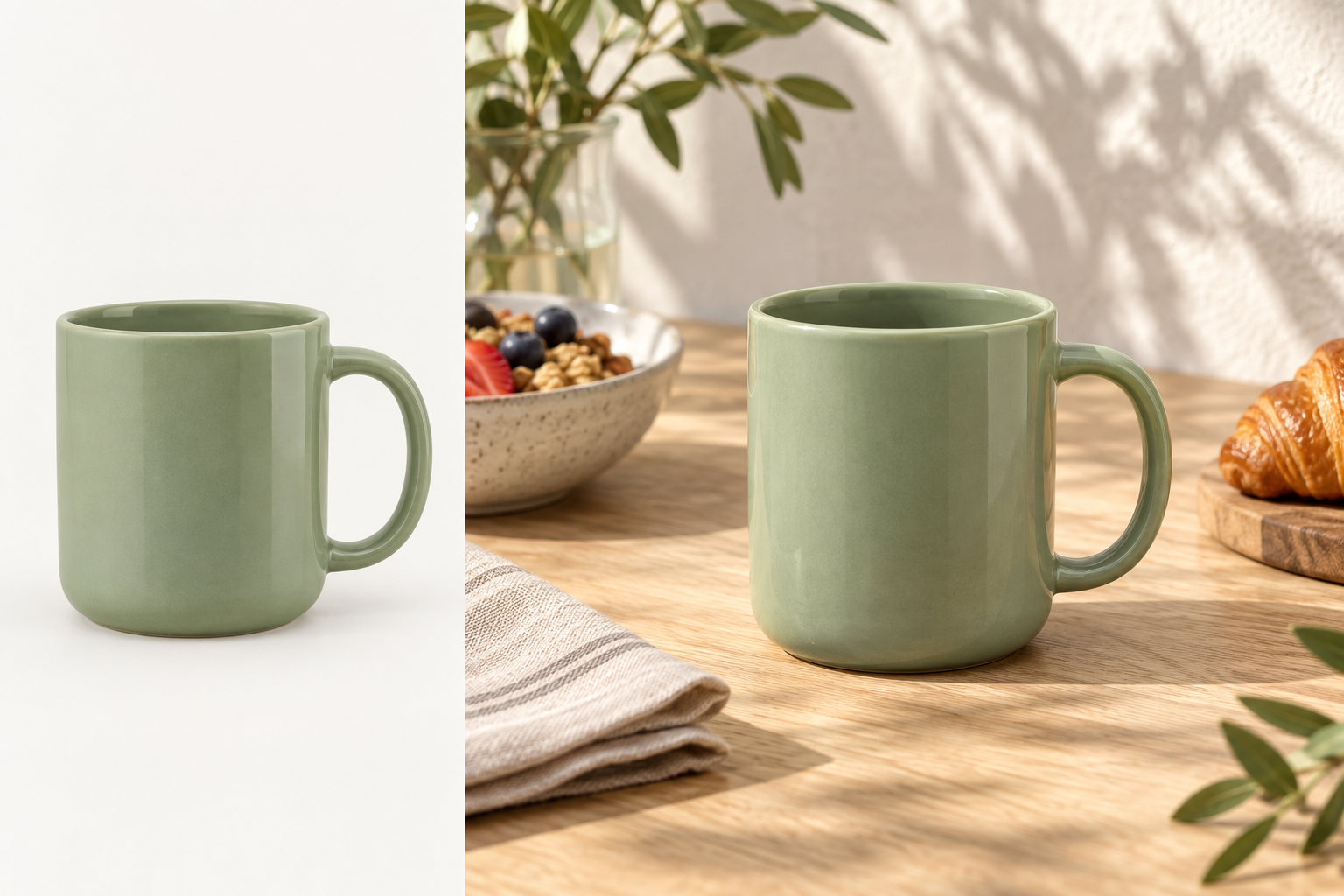
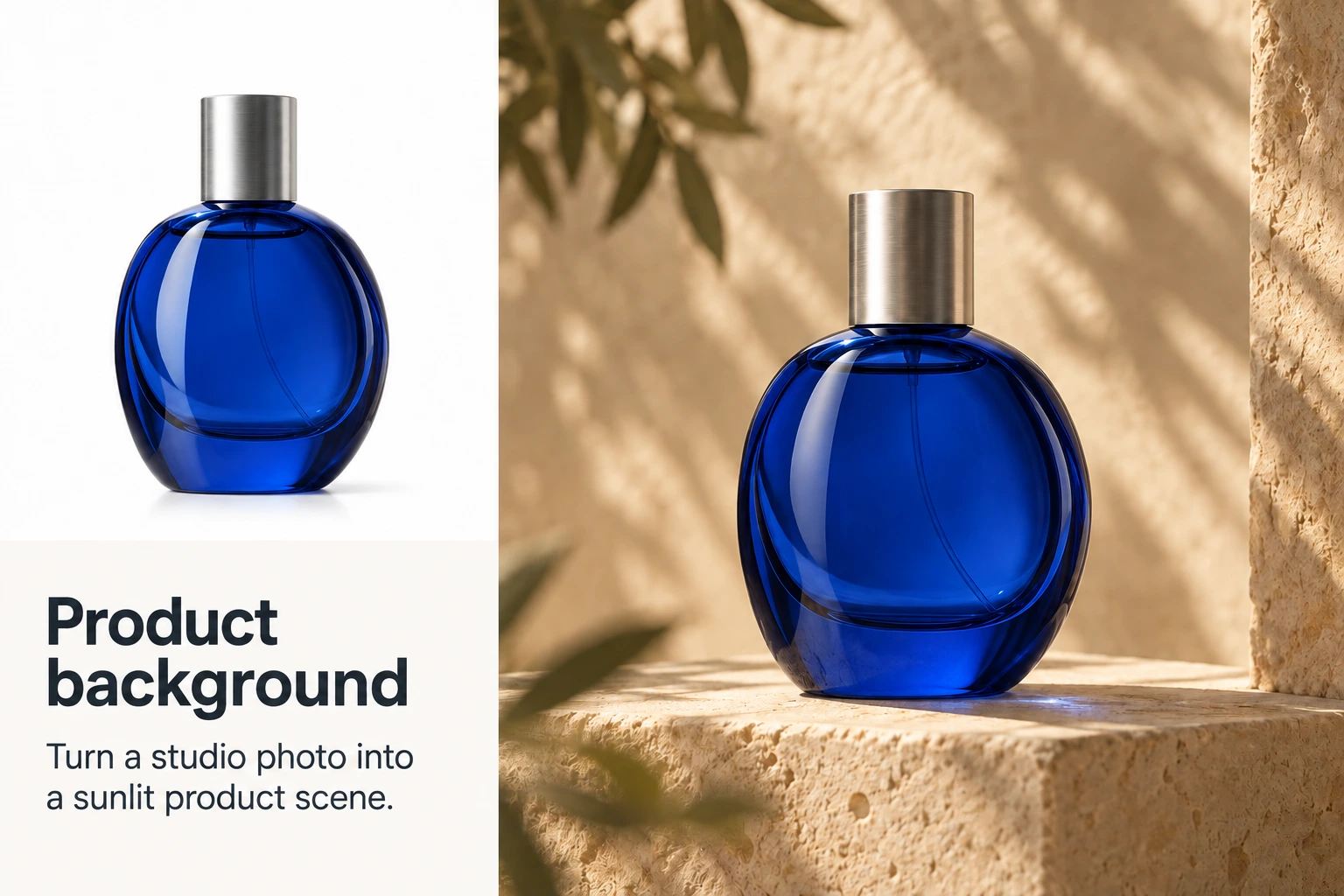
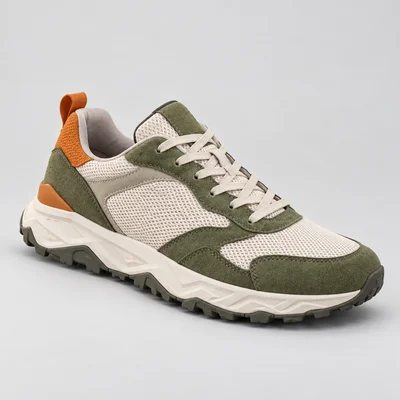
A simple product shot can become a seasonal campaign idea, a lifestyle setting or a social ad once you change what surrounds the item. Compare labels, colors and proportions with the physical product before anything goes live.
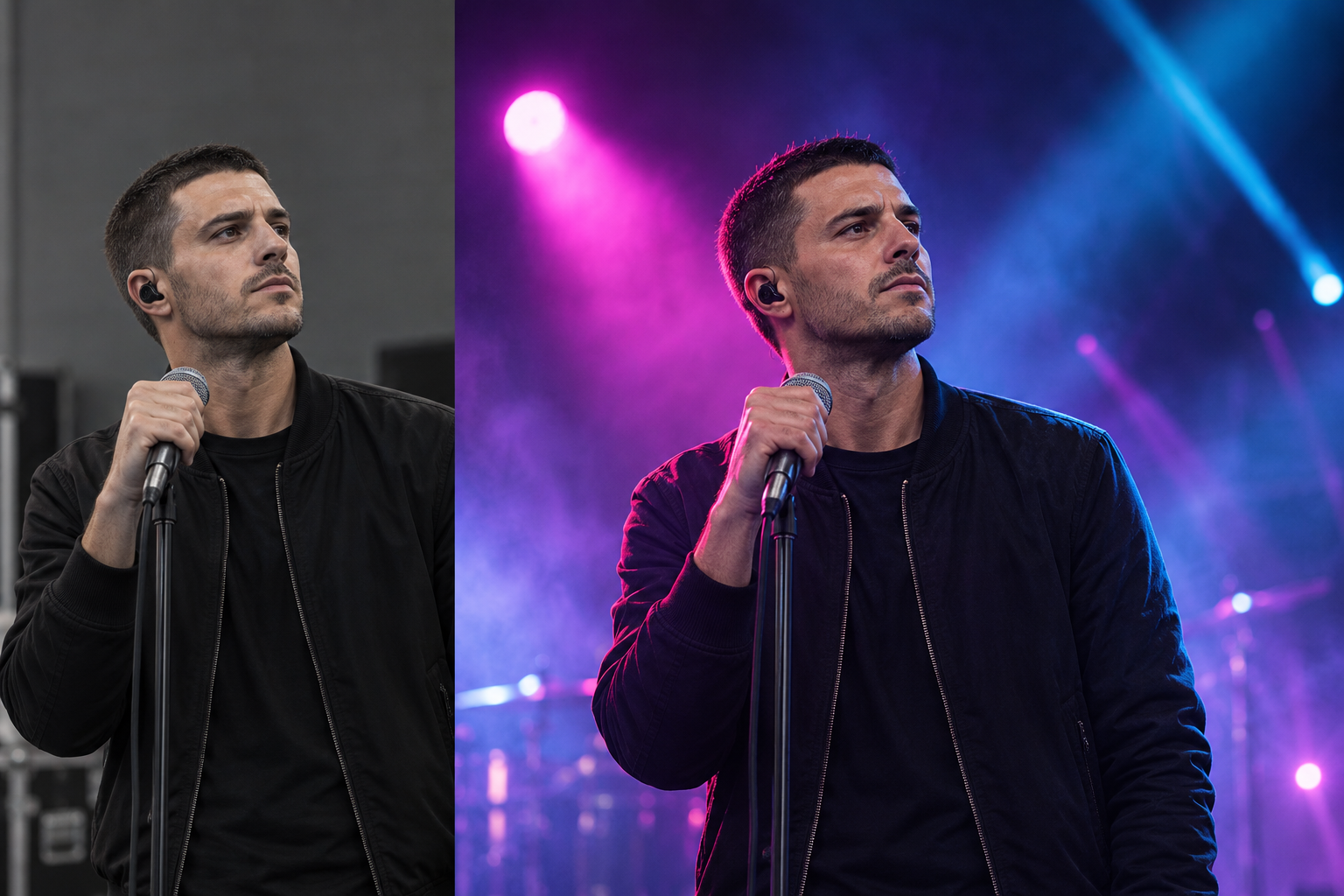
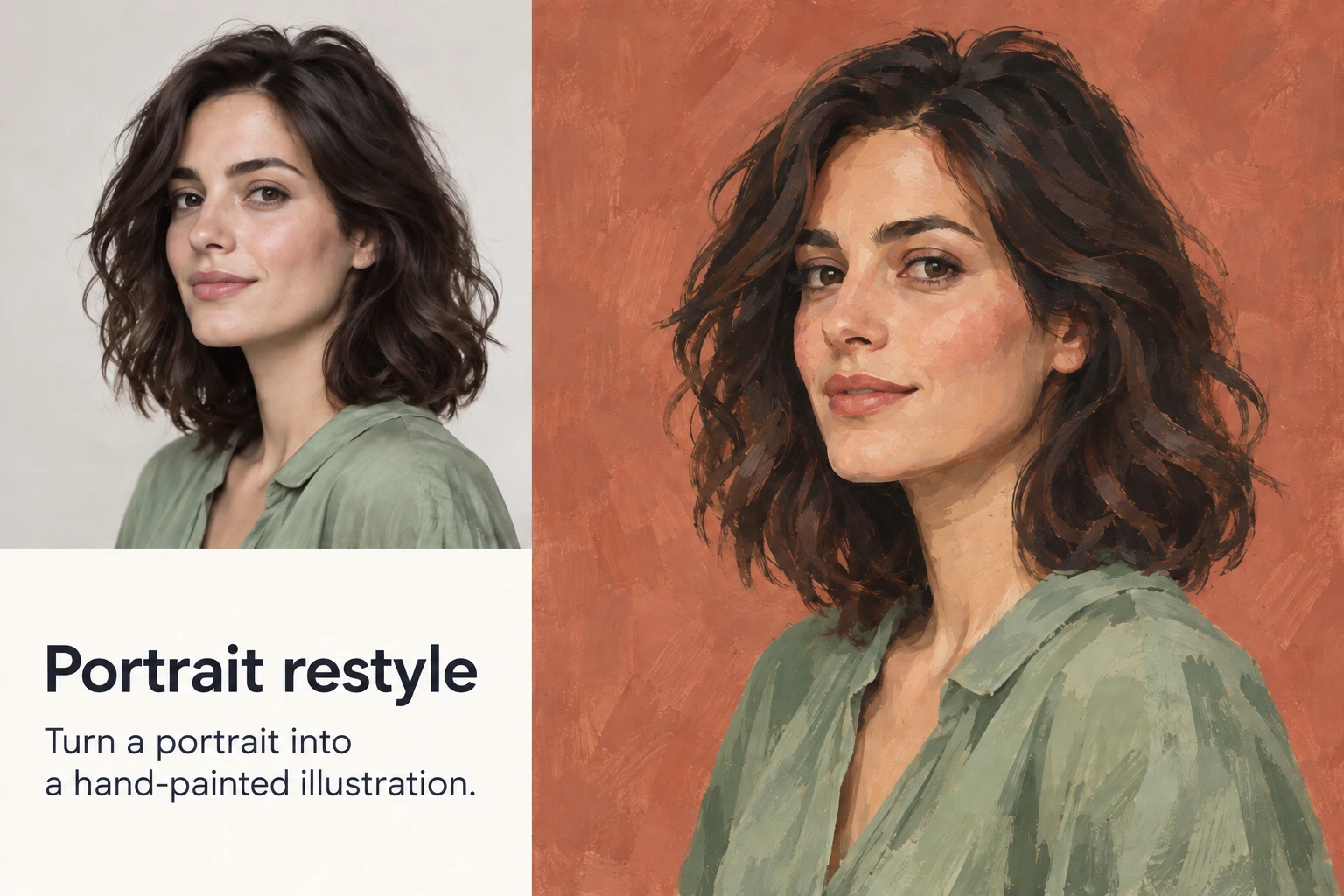
Refresh a portrait or an existing graphic for a new series, a campaign mood or an illustrated post. Starting from a subject people already know beats facing a blank prompt for every concept.
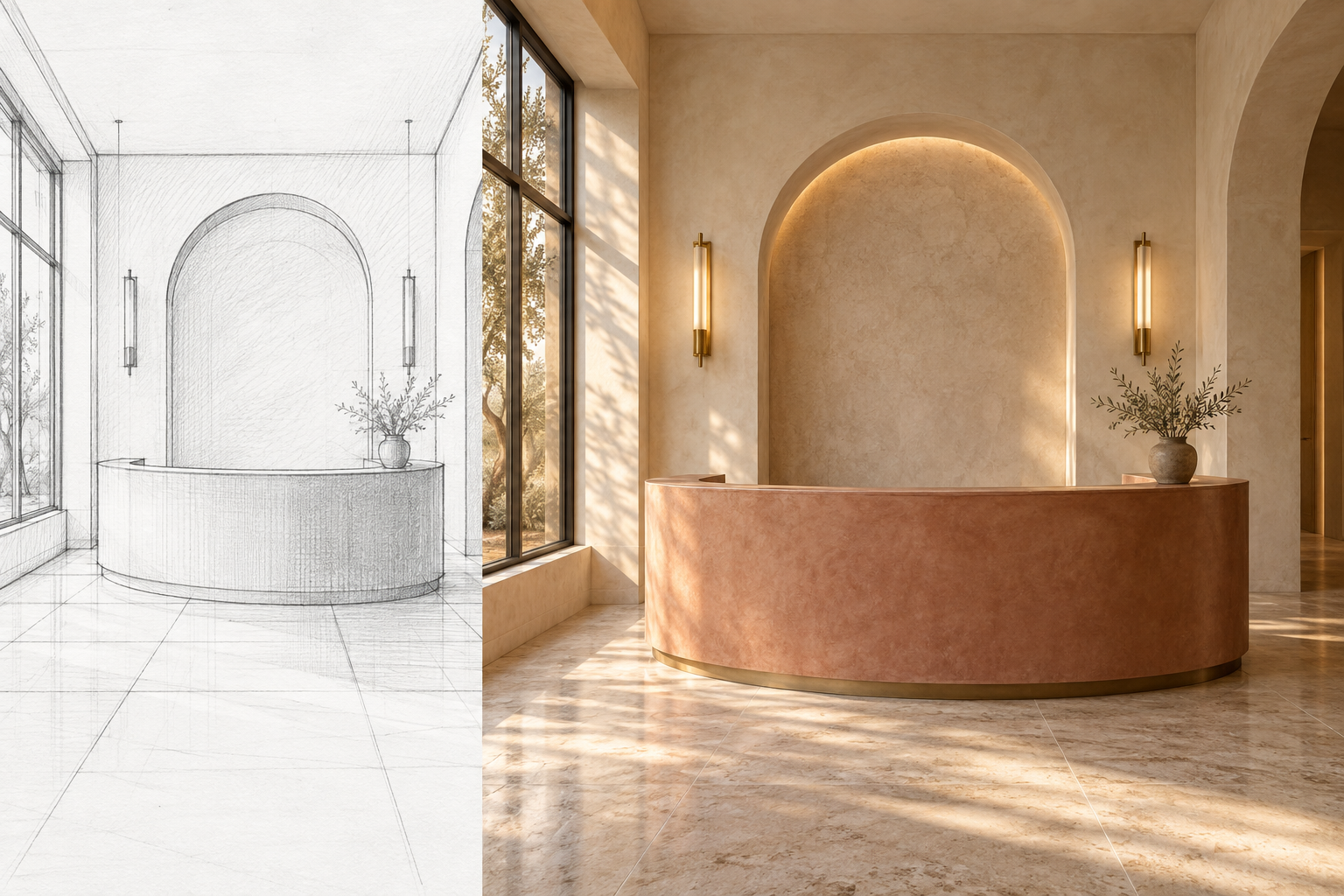
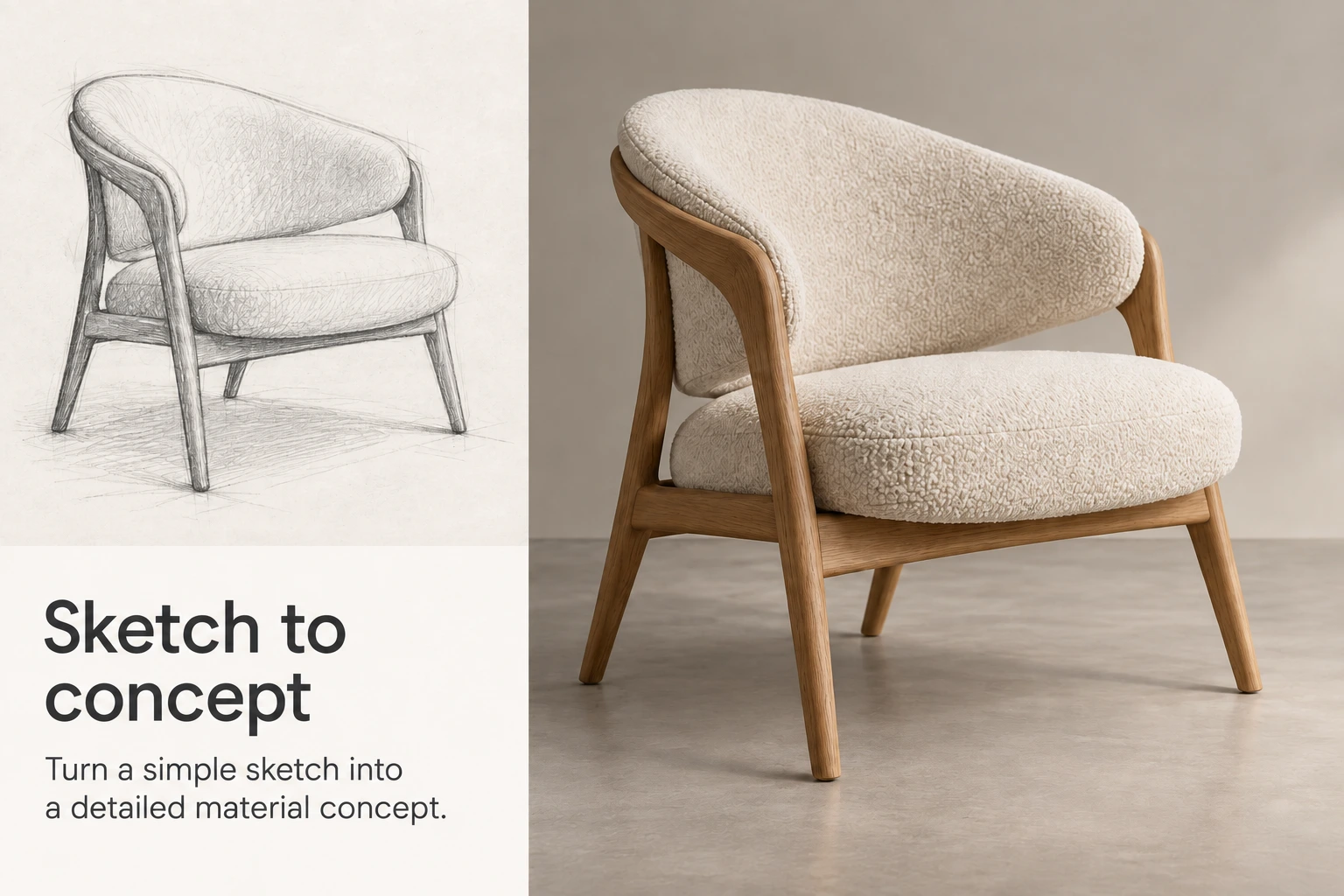
Push a rough sketch toward a finished concept, line up material options side by side or trial a different lighting setup. Clients and colleagues react faster when reviews include something they can actually see.
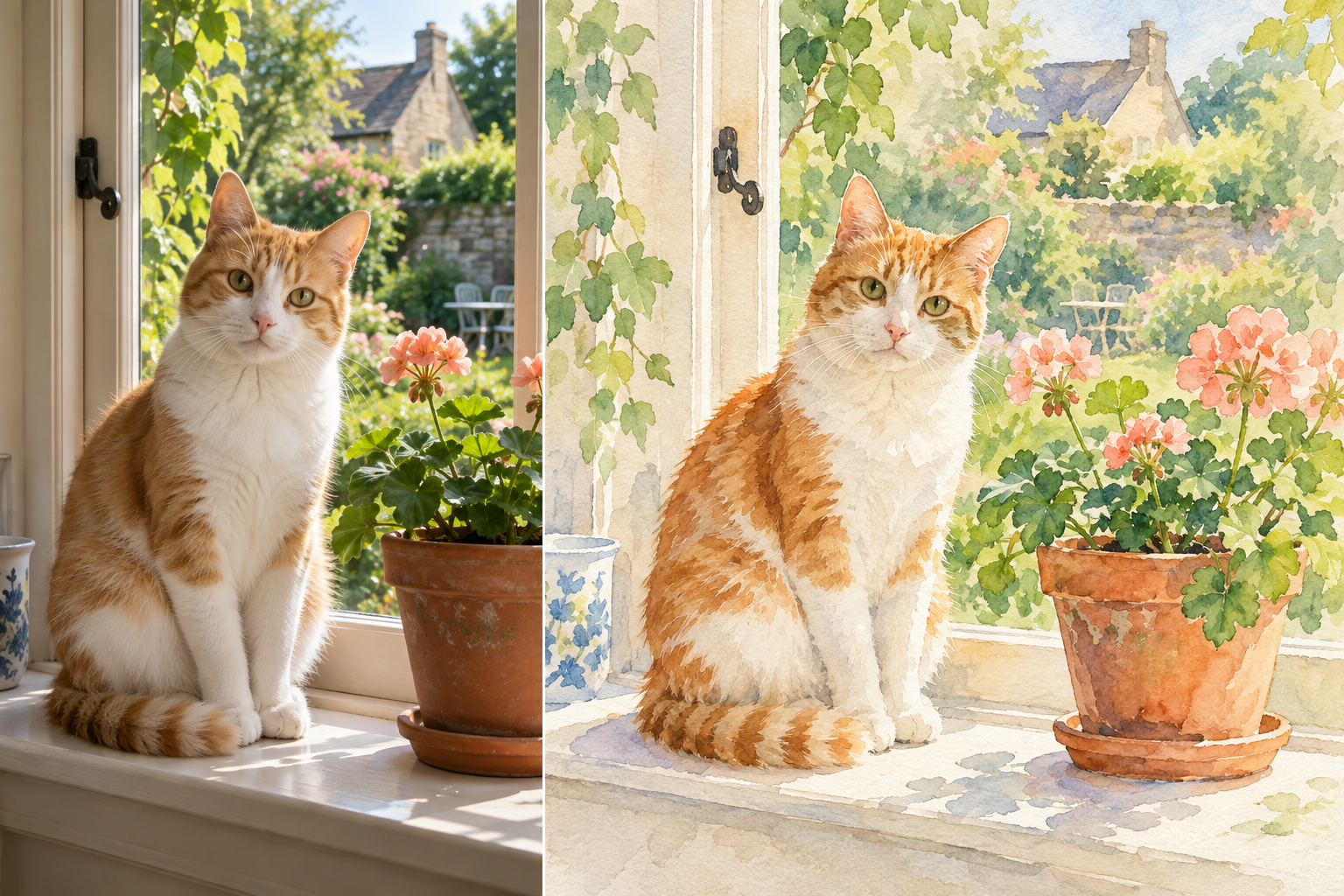
Turn a much-loved photo into a painting, or steer an illustration somewhere new. Change just one thing in a picture you know well, then keep developing the version you like best.
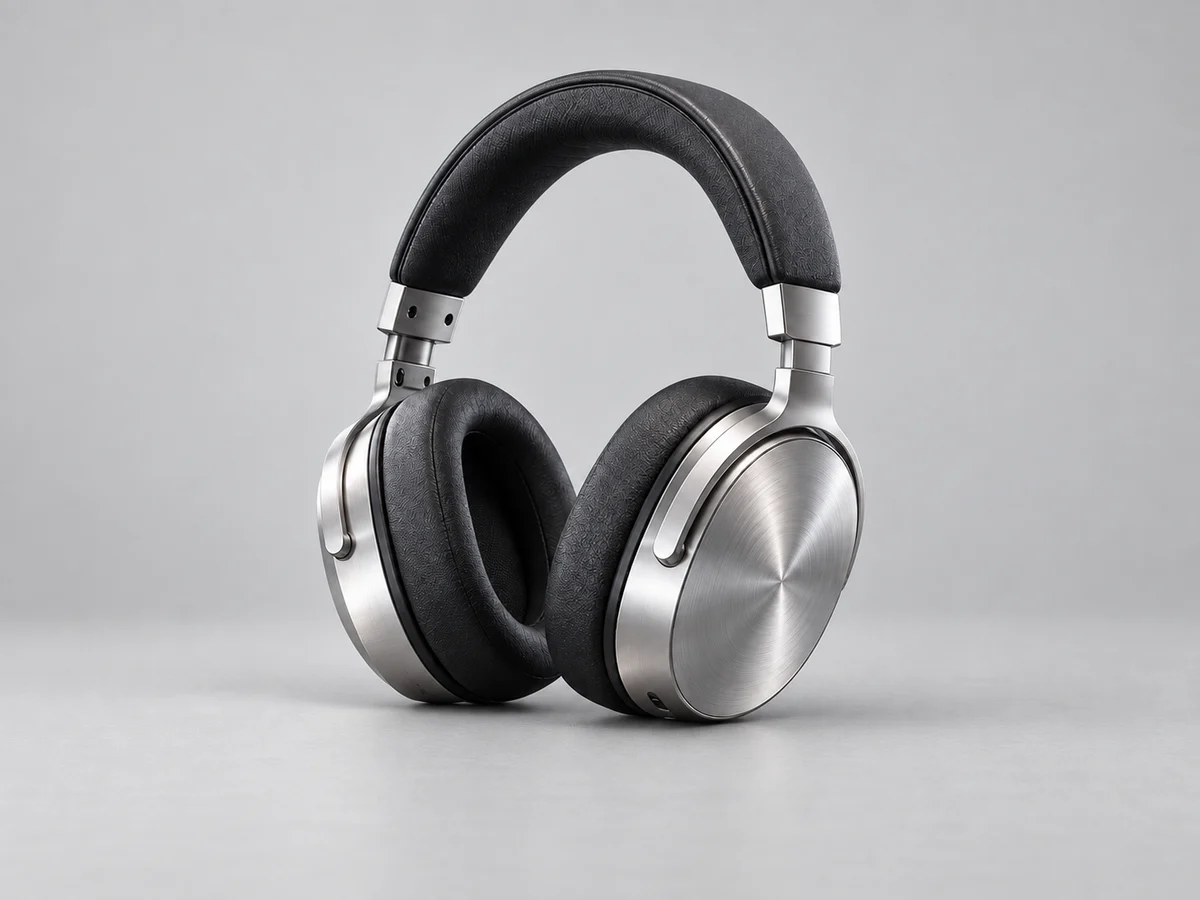
A good image to image prompt covers three things for the AI: the edit to make, the parts to leave alone and the look of the finished image. The more exact each one is, the better.
Put the result next to your reference and change a single detail per round, such as “soften the shadows”, while the subject stays put.
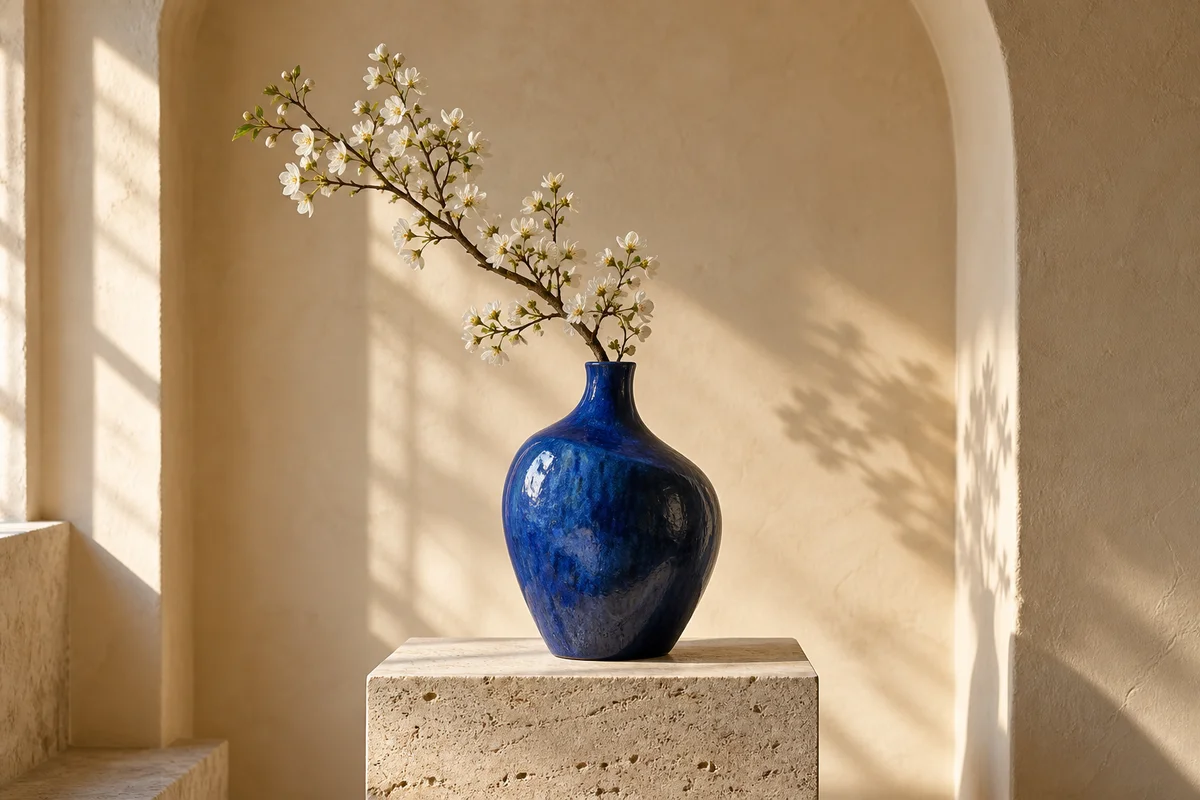
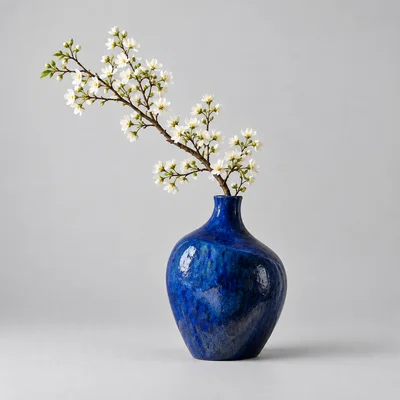
Place the blue vase on a travertine pedestal inside a warm, softly lit alcove. Its shape, glaze and white blossoms stay the same; afternoon sunlight adds gentle shadows.
All it takes is a reference and an idea for its next step. Open the Fetra SI image to image AI generator and make your next edit.
Upload an Image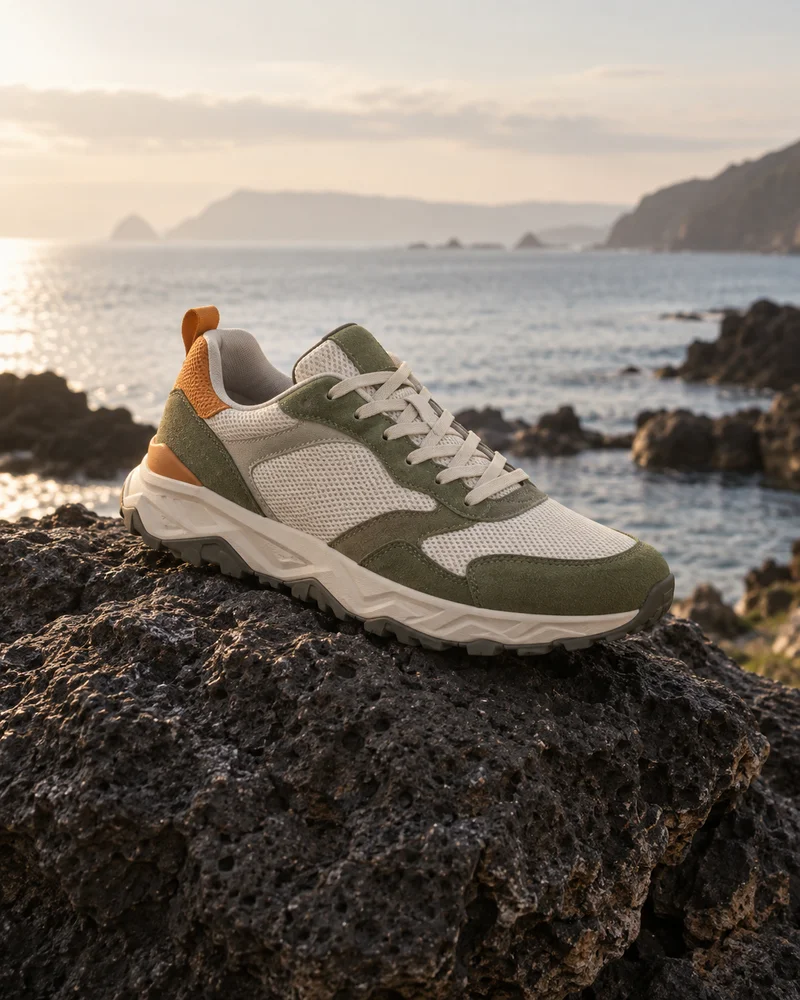
Yes. A free account, opened with one click through Google, comes with sign-up credits for testing image to image edits. Beyond those, every generation is charged in credits according to the model, resolution and image count.