Script to voice, and revise anytime
Generate speech from a script, then change the words and generate again whenever the message shifts, with no re-recording.
Paste a script and hear it spoken, or bring a voice sample you’re authorized to use and let AI voice cloning make new audio in that voice with Fetra.
With text to speech with voice cloning, voiceovers, your own reusable voice and script updates all live in a single place.

Generate speech from a script, then change the words and generate again whenever the message shifts, with no re-recording.
AI voice cloning learns your voice from one recording, so every new script keeps the same sound.
Use the speech you generate in commercial projects, as long as you follow Fetra’s terms and hold the rights to your script.
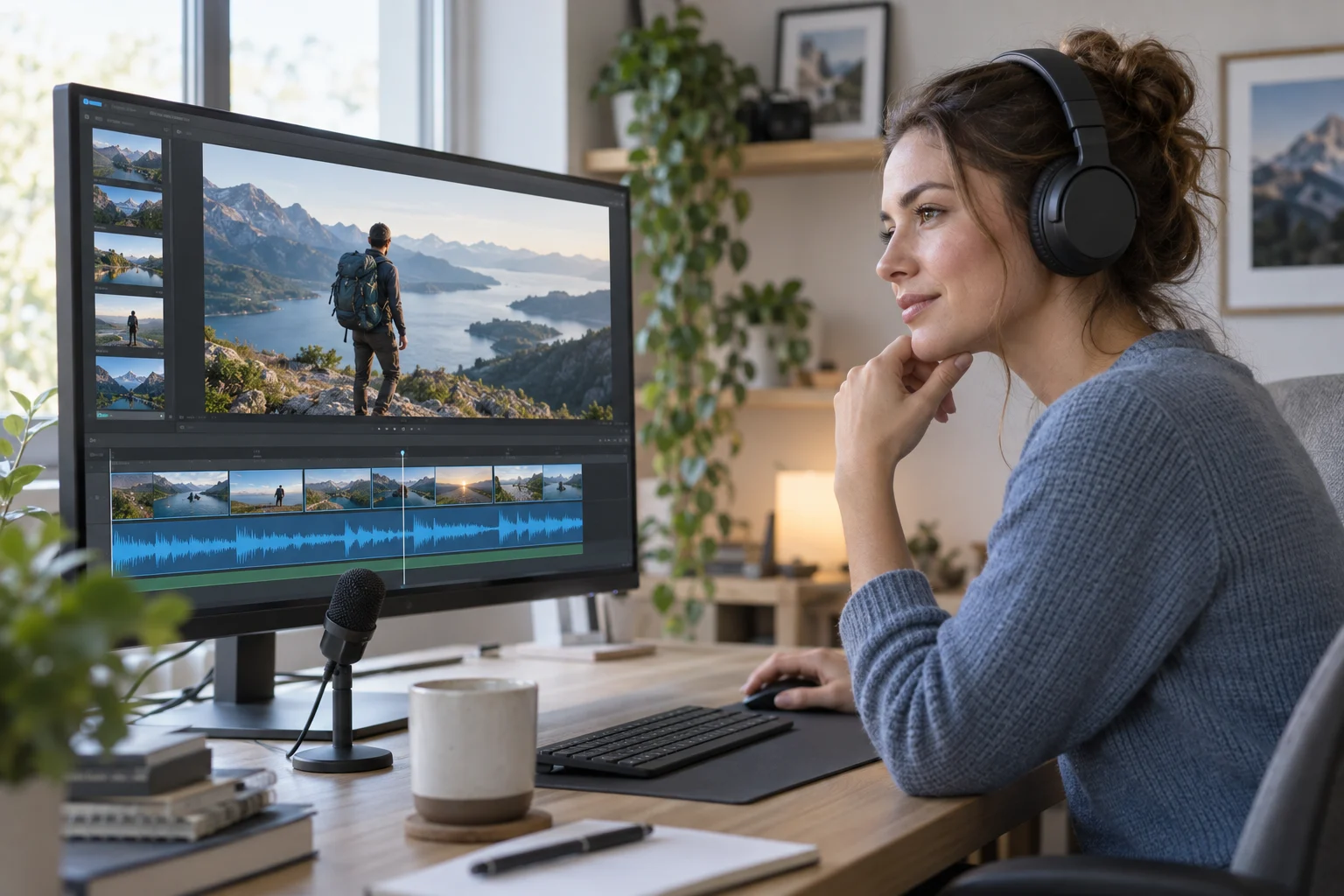
Your tutorial, explainer or short script can get its narration from the AI voice generator. Play the result over your footage to judge whether the visuals still have space to breathe.
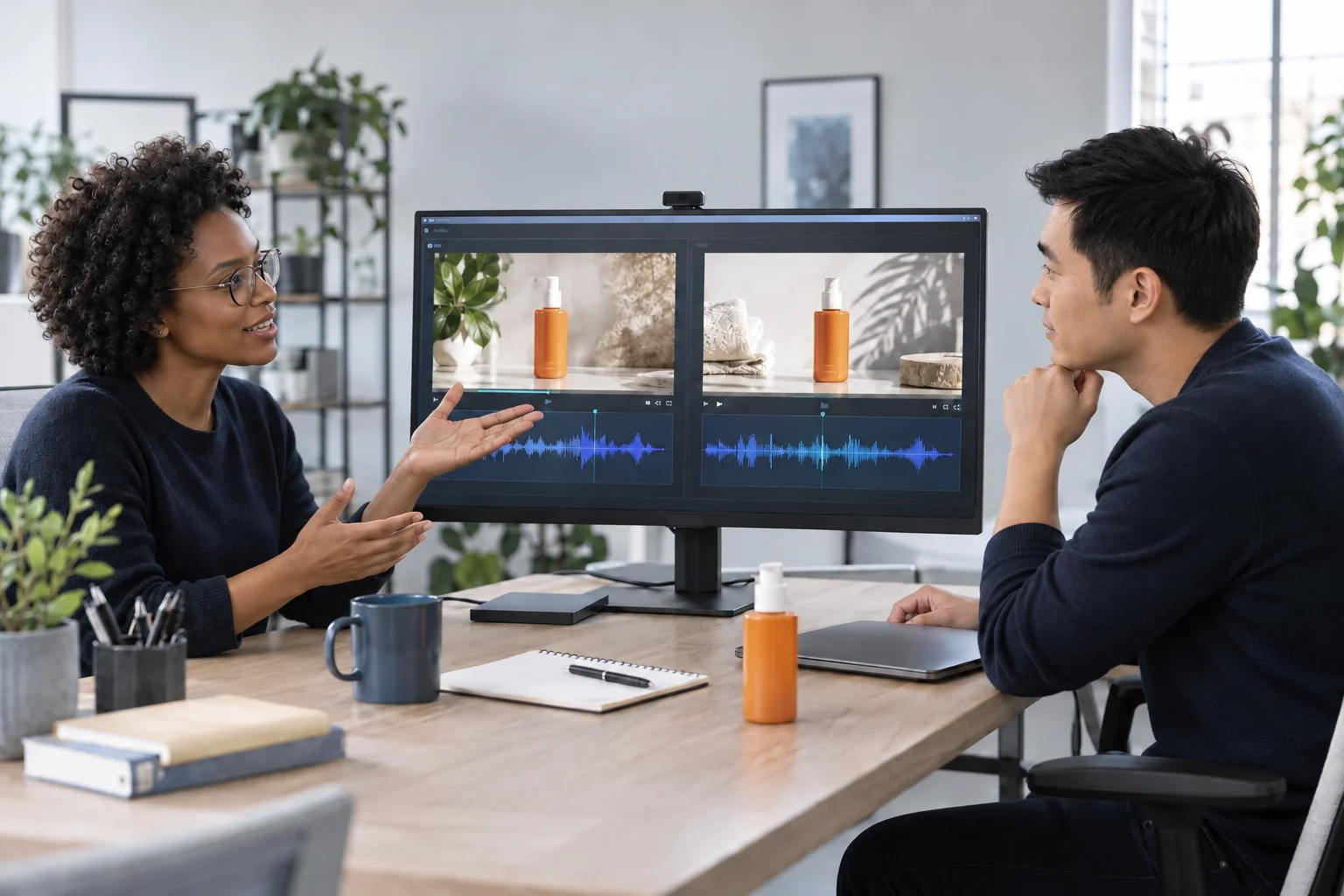
Write one product benefit and a strong call to action, then compare messages by generating a few different ad reads. A spokesperson’s cloned voice needs that person’s consent for the entire campaign before you use it.
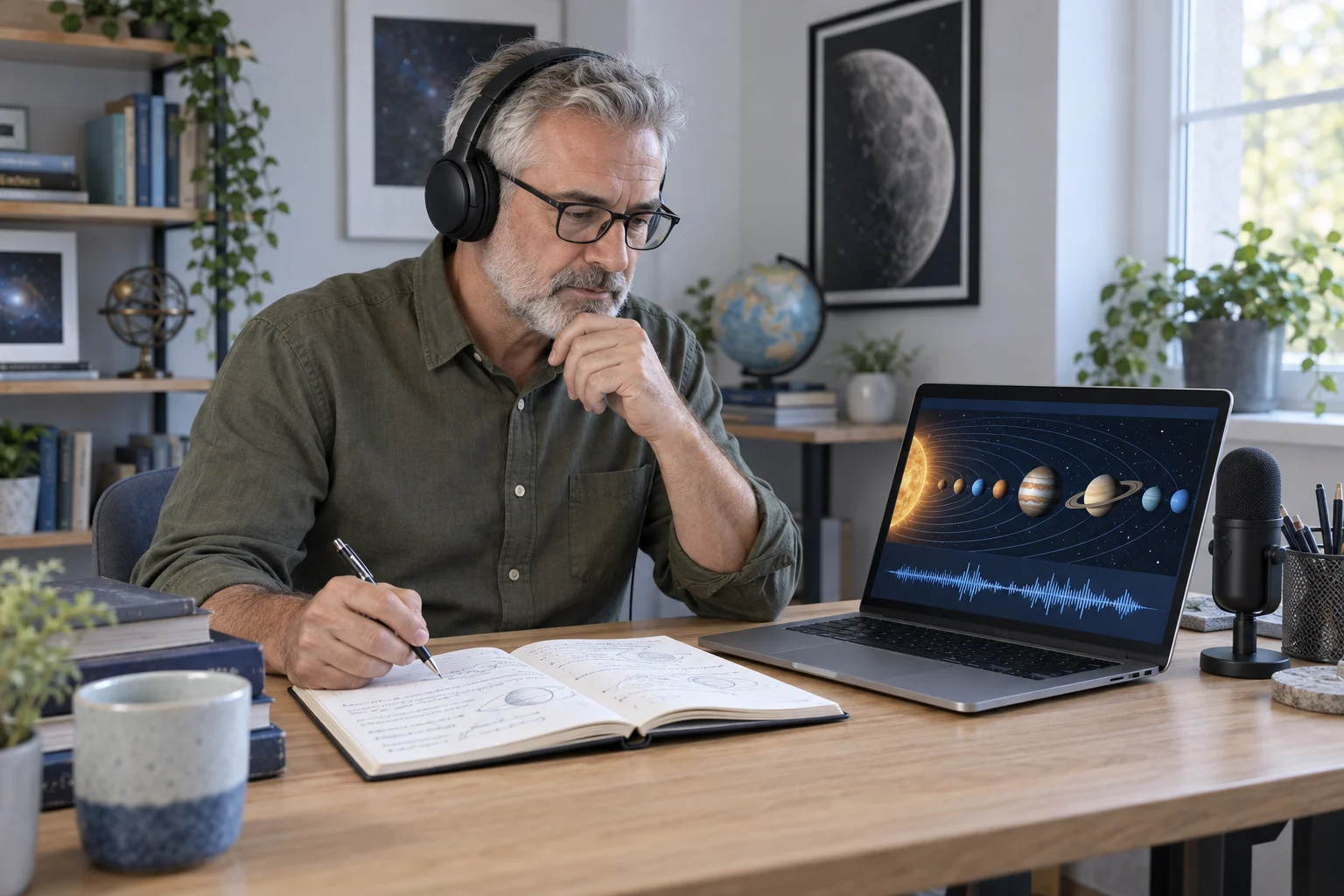
Lesson notes and onboarding steps become spoken explanations. Work through one short section per generation and verify names, technical terms and figures before any learner listens.
Type or paste your script into Text to Speech.
Pick a voice that fits your content and its language.
Generate the audio, listen, and tweak the wording or voice if needed.
Curiosity is where every good story begins. Maybe it’s a fresh idea or an unexpected angle, maybe a single moment that stops you in your tracks. So, how should your next story sound?
 CorinneGenerate speech
Choose a short passage to begin with, such as the intro of a video, a product pitch or how a lesson opens. Fetra’s AI voice generator gives you audio to review and keep improving.