AI Enhanced Mode
Type a short prompt and the built-in prompt engineer rewrites it for you, so the image comes out rich in detail and well composed.
Sign in, claim your free sign-up credits and describe what you want to see: the AI image generator turns your words and reference photos into finished visuals.
Free to start and made so anyone can produce high-quality visuals, Fetra SI is an AI image generator that works right in your browser. Ideas come out as polished images, illustrations and lifelike photos, and current AI models with smart prompt handling let you create assets from text for social posts, blog articles, campaigns or your own projects.
Why choose Fetra SI? It gathers leading image models in one place, including GPT Image 2, Seedream 5 Pro, Nano Banana Pro and Nano Banana 2. Each model has its own strengths, and one AI image maker gives you all of them, so you finish creative work without hopping between platforms.
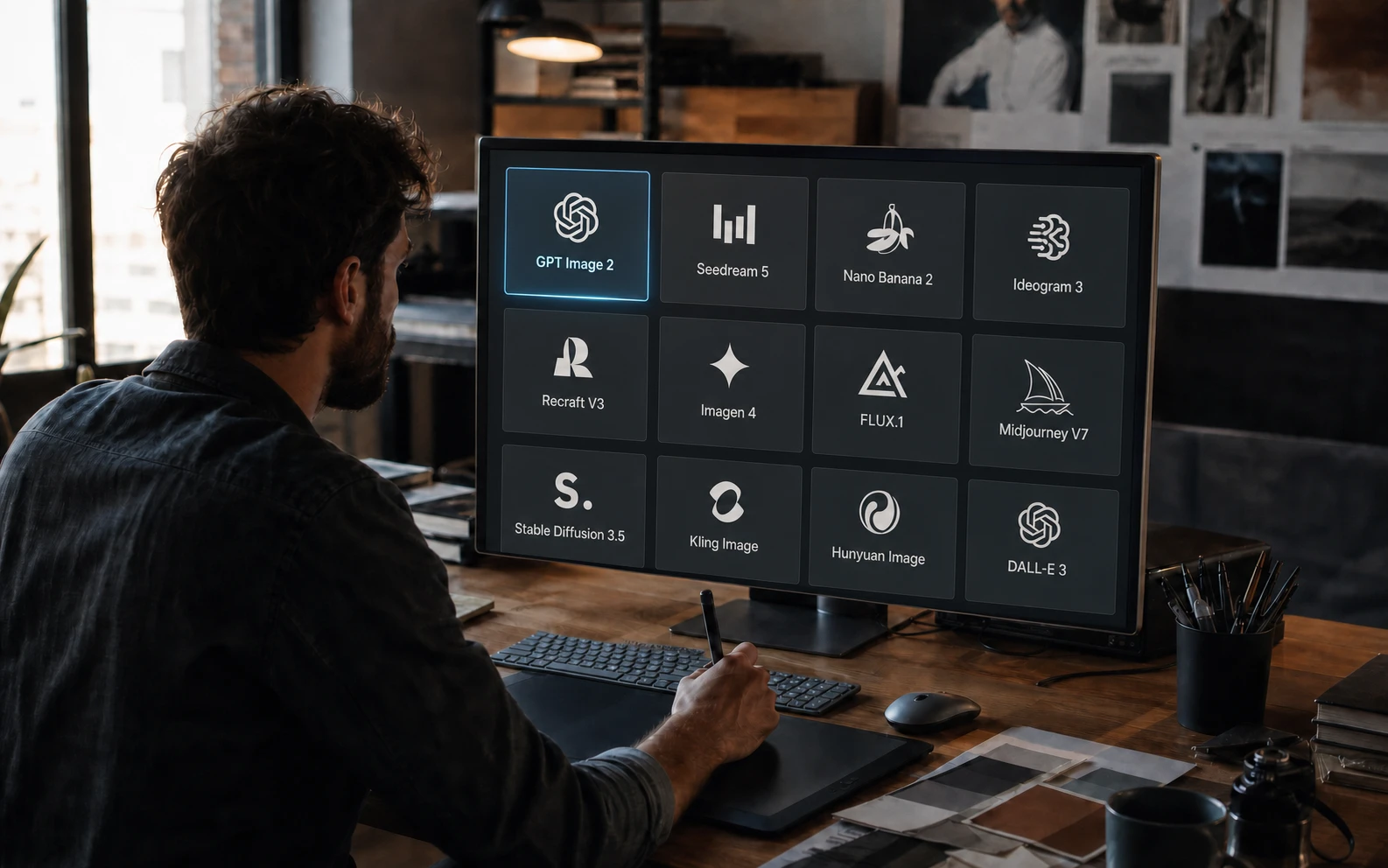
Want a capable AI image generator with a free way in? This is what Fetra SI gives you, and why creators stick around:
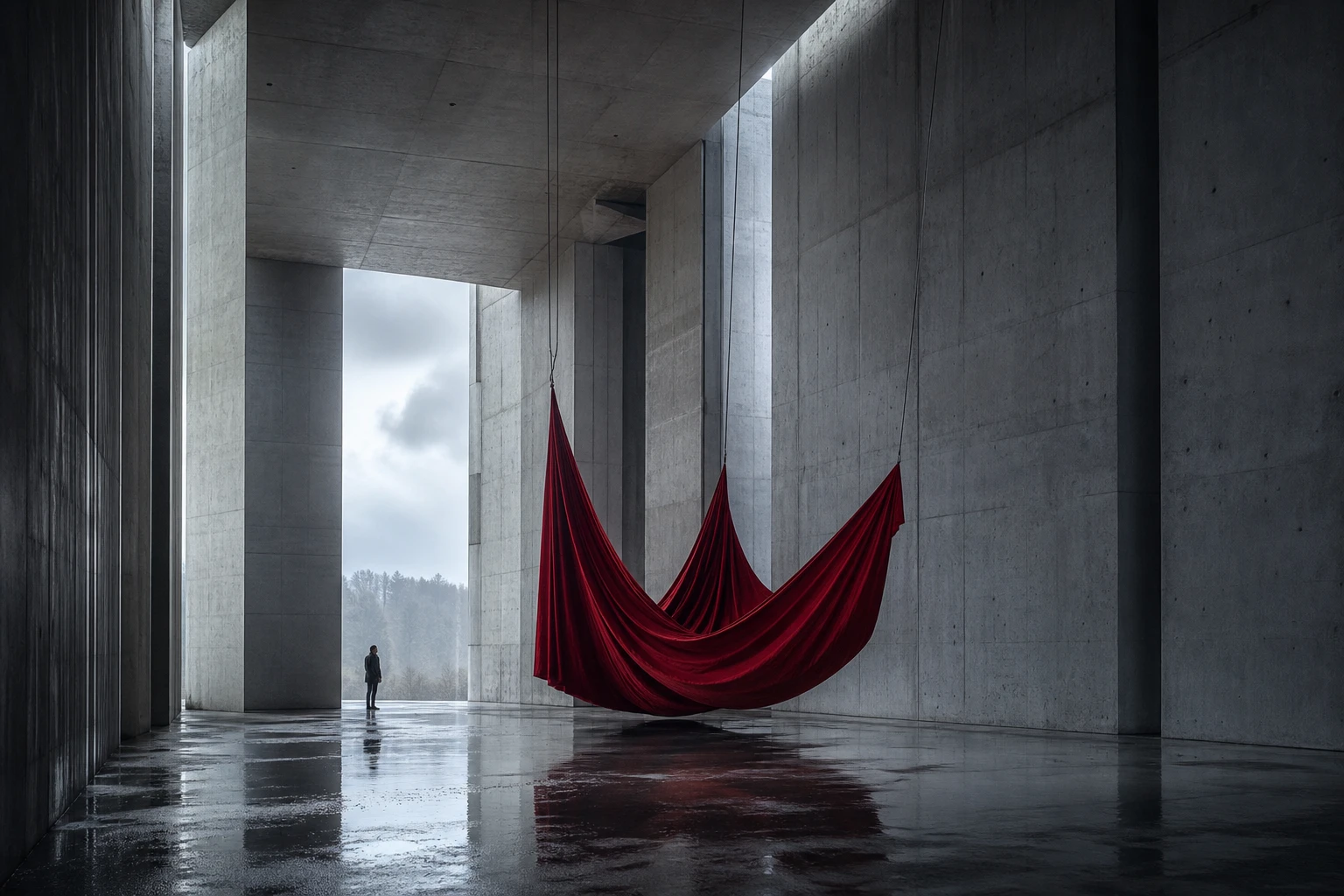
Type a short prompt and the built-in prompt engineer rewrites it for you, so the image comes out rich in detail and well composed.
Sign in with Google to get free sign-up credits. Each image shows its credit price before you generate, so you always know the cost up front.
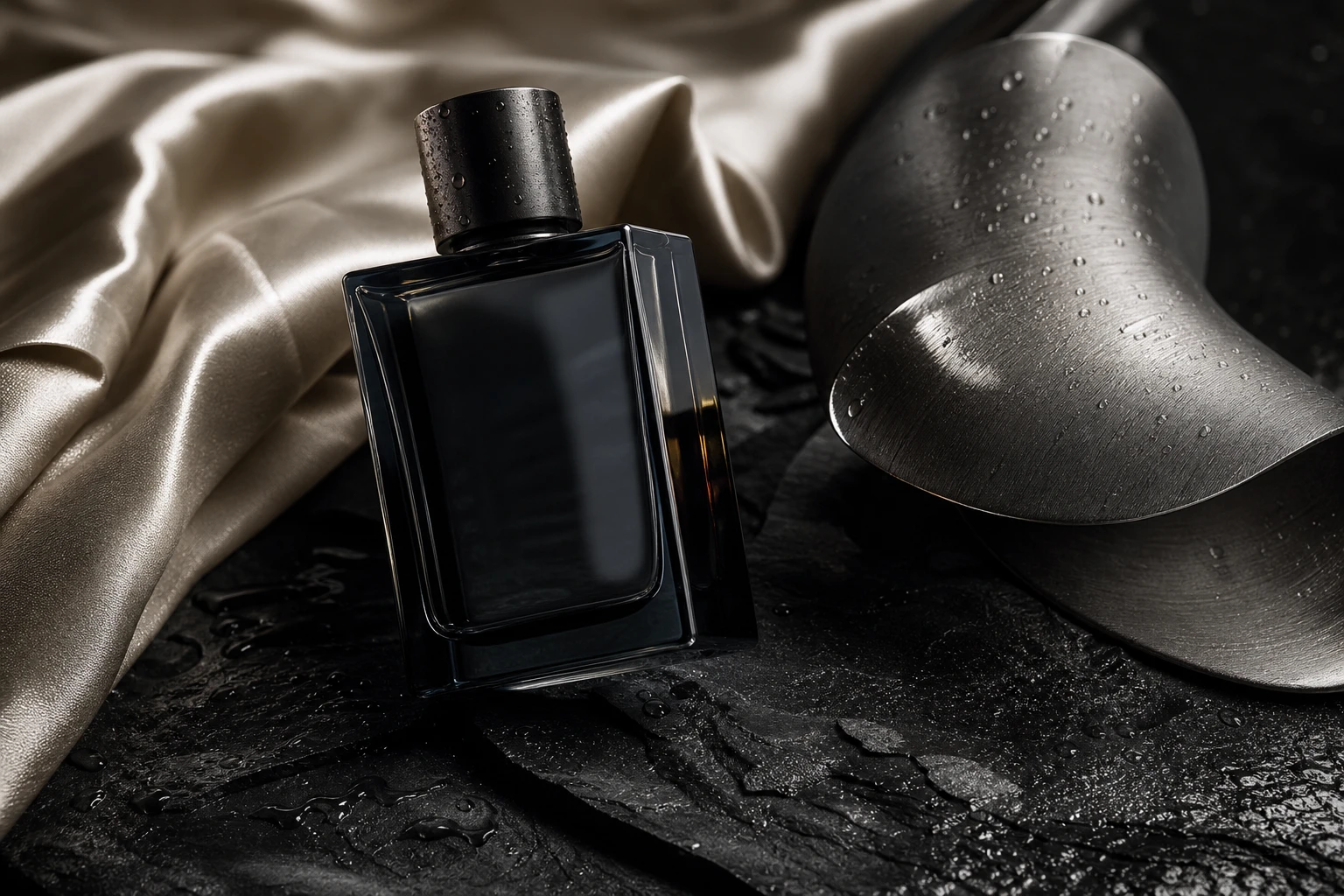
Pick up to 4K on models such as GPT Image 2, Nano Banana Pro and Seedream for crisp, professional results that hold up in print and on big screens.
Text to image is only the start: the same Fetra SI studio also holds Image to Image, AI video, Viral Remix and AI Director.
Getting a striking AI image takes only a few clicks:
 GPT Image 21:1 | 1KGenerate Image
All kinds of creators and tasks fit this AI image generator. Sign in for free to begin:
 01Digital Marketers and Advertisers
Produce hero images, social graphics and ad creatives from text in minutes, without waiting on a design team.
The right model makes all the difference to an AI image. Fetra SI offers the leading AI models of 2026; this overview helps you pick:
| AI Model | What It Does Best | Ideal For |
|---|---|---|
| GPT Image 2 | Top-tier text rendering (about 99% accuracy) and precise instruction following, backed by strong reasoning. | Posters, UI mockups, text-heavy marketing graphics and prompts that juggle many subjects. |
 Seedream 5 Pro Seedream 5 Pro | Seedream AI delivers great value and speed, with a strong grasp of spatial layout and precise interactive editing. | E-commerce product photos, infographics and commercial content at volume. |
 Nano Banana Pro Nano Banana Pro | Premium quality with precise, detailed editing that keeps each subject and its fine details unchanged. | Hero visuals, product photos, lifelike portraits and fine edits to an image you already have. |
| Nano Banana 2 | Imaginative, artistic and visually distinctive, made for fast iteration and concepting. | Concept art, illustrations, anime looks, and surreal or abstract work. |
 Qwen Image 3.0 Pro Qwen Image 3.0 Pro | High-quality creation and editing that merges several references within a single request. | Composite images, product variants and scenes built from subjects taken from different photos. |
A good prompt is the key to great results from any AI image generator. Build yours with this simple structure:
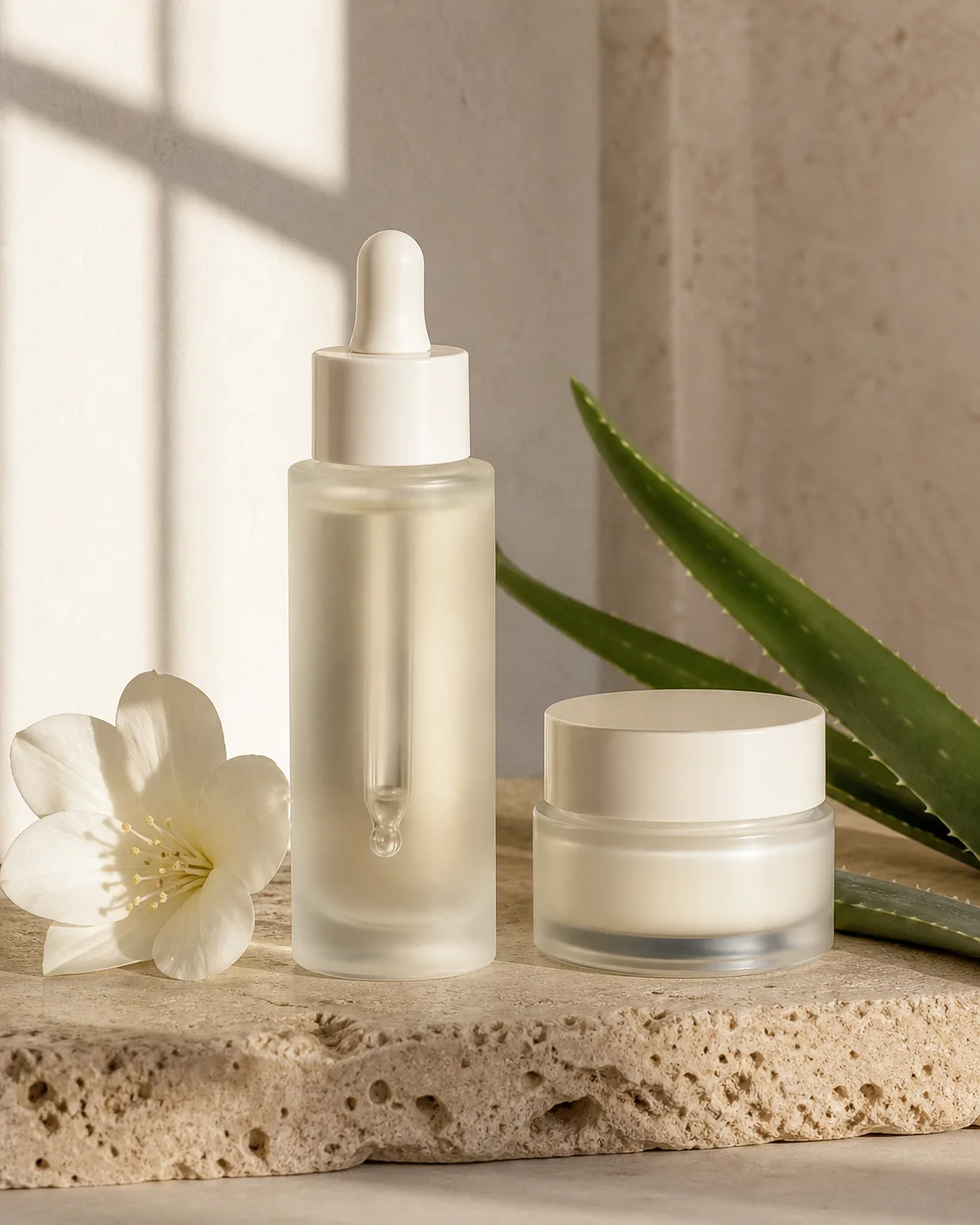
Editorial product photo of a premium botanical serum beside a face cream, resting on pale travertine among white jasmine flowers and aloe leaves; centered close-up, soft window light from one side, warm ivory and muted green tones.
Parts of a prompt
Open with a clear subject (for example, "A confident female founder" or "A futuristic sports car").
Set the visual approach, for example “3D rendering”, “oil painting” or “editorial portrait photography”.
Say how the shot is framed (for example, "medium close-up" or "wide landscape shot").
Choose the mood (for example, "soft directional window light" or "neon cyberpunk backlight").
Name two or three main colors, such as a muted teal set against warm neutrals.